Recursion
Recursion - Dev Log #4
Dev Log #4: 09/08/25 → 20/08/2025
Welcome to the final dev log for Recursion in its current form. This project marks the conclusion of not just another development cycle, but also my final year at university - and, fittingly, my final major assessment. Over the past three years, life has changed in ways I hadn't anticipated. I've pushed through subjects I once thought impossible, wrestled with advanced algorithms and mathematics, and have come out the other side with something I'm proud of. It hasn't been an easy road, but every challenge has shaped both the game and myself.
Changes
These changes were implemented following valuable playtest feedback. Due to being a solo developer, it meant that I was blind to how new players would respond to the game and its' systems. Playtesting was my only opportunity to get outside feedback on what worked well, what didn't, and what could be improved. These changes outline this process.
Crosshair Improvements
Further improvements were made to the crosshair, making it feel more responsive. To achieve this, I added a few lerp coroutines to fade the crosshair in/out, and to smoothly interpolate the 'object' detected colour. Additionally, item tooltips now fade in as well.
Target Occlusion
While spectating some playtesters, I noticed they could target things behind walls, to fix this I altered my PlayerTargetSystem to perform a raycast to detect the environment before proceeding with the targeting raycast.
Loading Sequence
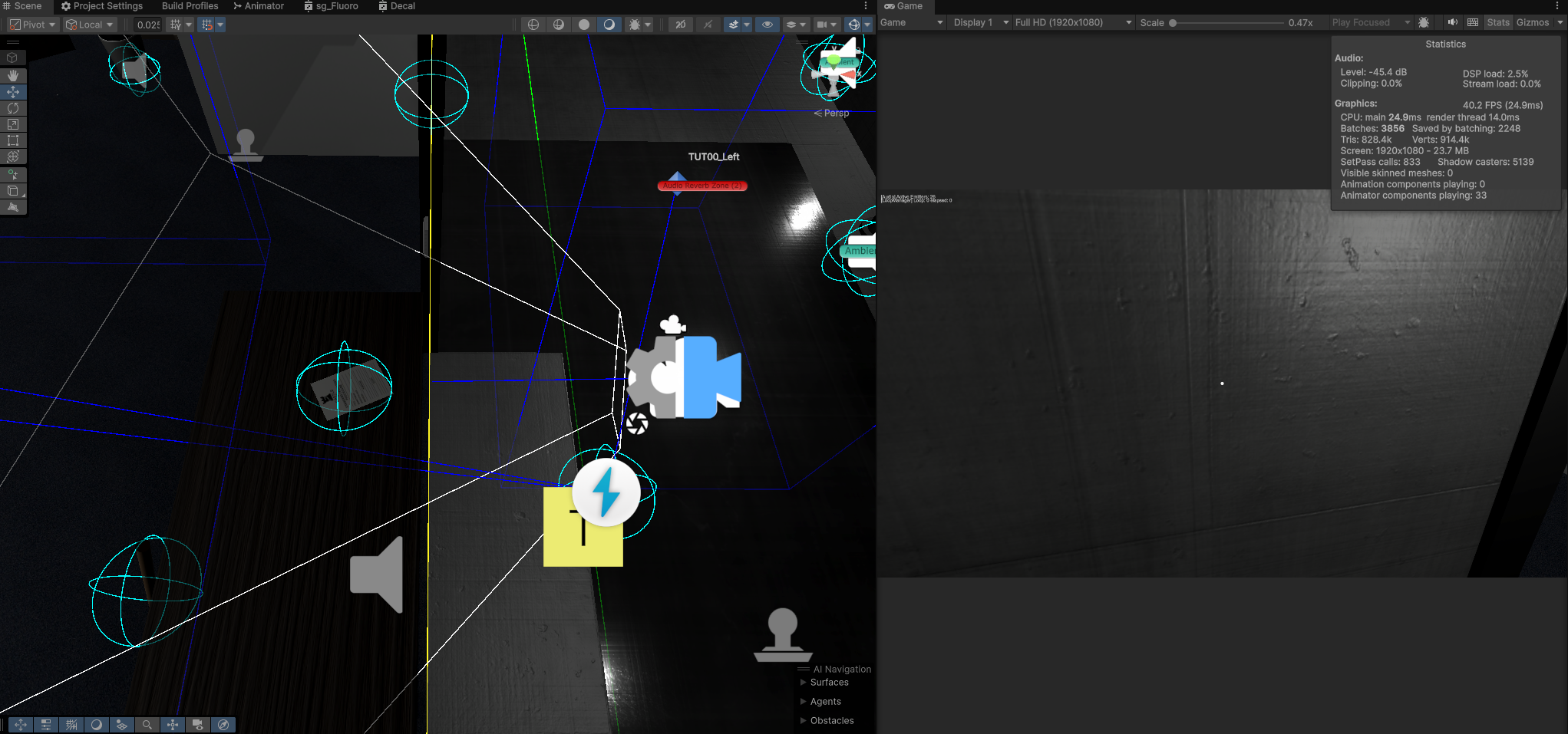
One of the playtesters noted that the black screen after loading felt like it had crashed, froze or hung. To combat this, I made sure the loading sequence remained until key Level Management objects were active and accessible, after which the level initialization sequence started.
Fixes
Elevator Jitter
The elevator was a buggy mess, causing players to jitter rapidly. This took a while to diagnose and fix, and was caused by a few compounding factors leading to an unstable elevator experience.
- Race conditions: the player updated its physics movements before the elevator, which led to collisions resolving the following frame, causing the player to rapidly alter their position to compensate for the resolved collision.
- The solution to this was to ensure the elevator moved before the player and cache its' movement delta. This was achieved by setting its [DefaultExecutionorder] to be executed before the player movement code.
- Prior to applying the player's movement force, the elevator's movement delta was added to the player, leading to a much smoother player experience.
- The Cinemachine update method also had to be updated, as the camera jitter was also suffering from the same race condition. This was resolved by moving the camera to update it's positioning after physics.
- A stray motion blur setting was also causing issues with pixels being too blurry to read, leading to a degraded visual experience, this was turned off permanently and replaced by a global volume within the scene - which can be programmatically altered.
Room States
Room states weren't updating correctly, which was causing a few inconsistencies with light activation. This was compounded by other lighting issues which devalued the overall experience. Spotlights would be visible, whilst the light fitting emission was dark - which didn't look right.
This was caused by a few things:
- Room race conditions. When the level started, the rooms cycled to inactive - and some coroutines weren't properly stopped, leading to coroutines running in tangent and setting lights in an unstable configuration.
- Lights weren't properly initialized before rooms, so some never got toggled in the first place.
- My light culling behaviour conflicted with these other race conditions, further compounding the issue.
The solution was to change the execution order, and initialize rooms using a timer to make sure all lights had been properly initialized.
Shadows Missing in Builds
When testing the compiled executable, I noticed shadows weren't working. After messing with lights, shadow settings: cascades, etc., I resorted to Google and browsing the Unity forums to diagnose what the issue was.
The issue was related to a bug in Unity 6000.0.39f1 where shadows didn't work unless you built the executable with the 'development build' flag toggled. Toggling this option on fixed shadows, but came with a 'development build' text in the bottom right corner of the screen. This wasn't a desirable solution, so I logged a Jira ticket, made a git branch and updated the project to Unity 6000.1.15f1 which fixed the shadow issue, hooray!
Additions
WorldProps and WorldIterationManager
The world still felt very static, and not as dynamic as the lighting system. I really wanted to make the facility feel 'alive', both for visual aesthetic, but also for thematic player guidance and to make the looping narrative feel more obvious, aside from the occasional blackout.
For this, I created a few classes:
- WorldIterationManager
- This class contains an integer of the current world state
- A list of all registered/subscribed WorldObjects
- WorldObject: abstract class
- Contains an array of numbers the gameobject should be visible/active on.
- WorldDoor: derived from WorldObject
- Locks/unlocks when on the correct world state.
- WorldProp: derived from WorldObject
- Becomes visible/invisible when on the correct world state.
When the LoopManager begins a new loop, it increments the WorldIterationManager by 1, which then broadcasts a change to every registered object (over a series of frames).
These are used to add further guidance to the player at specific intervals. The entire third floor is meant to be a puzzle - with the boring fetch/delivery tasks being used as the core loop - and environmental cues being used to try and guide the player into exploring further.
Archive Room Puzzle
One of the first areas tied to actual player progression and giving narrative breadcrumbs was the archive, a large room filled with shelves of boxes and files. The objective for the player is to enter three codes. These codes are based on the initial ‘correct’ code, which the player then needs to figure out what the new code should be based on the information provided.
- The first keypad is the base code: e.g., 1995
- The second is the reverse: e.g., 5991
- The third is the code - doubled: e.g., 3990
Around the room are various documents strewn about to misdirect the player, to give them the incorrect information, as well as provide some lore – hinting that they are being tested as part of a broader narrative. They aren’t just a simple ‘office assistant’, they are a test subject.
ABC Room Puzzle
The last area was a series of empty rooms with a keypad periodically alternating which room it was in. When the player enters their employee ID, they are granted access to the level finale – a small corridor with a whiteboard that signifies the end of the current demo.
I had more ambitious ideas for this, but due to the limited time left and need to fix systems critical bugs, it was left as is, as most of the player experience relied on these issues being fixed.
Level Details
After having done some intensive work on physics fixes, I needed to step back a bit and focus on something that made it feel like more progress was being made on polish and level design. The world was still very empty, so I added additional decorative props to the world. These include:
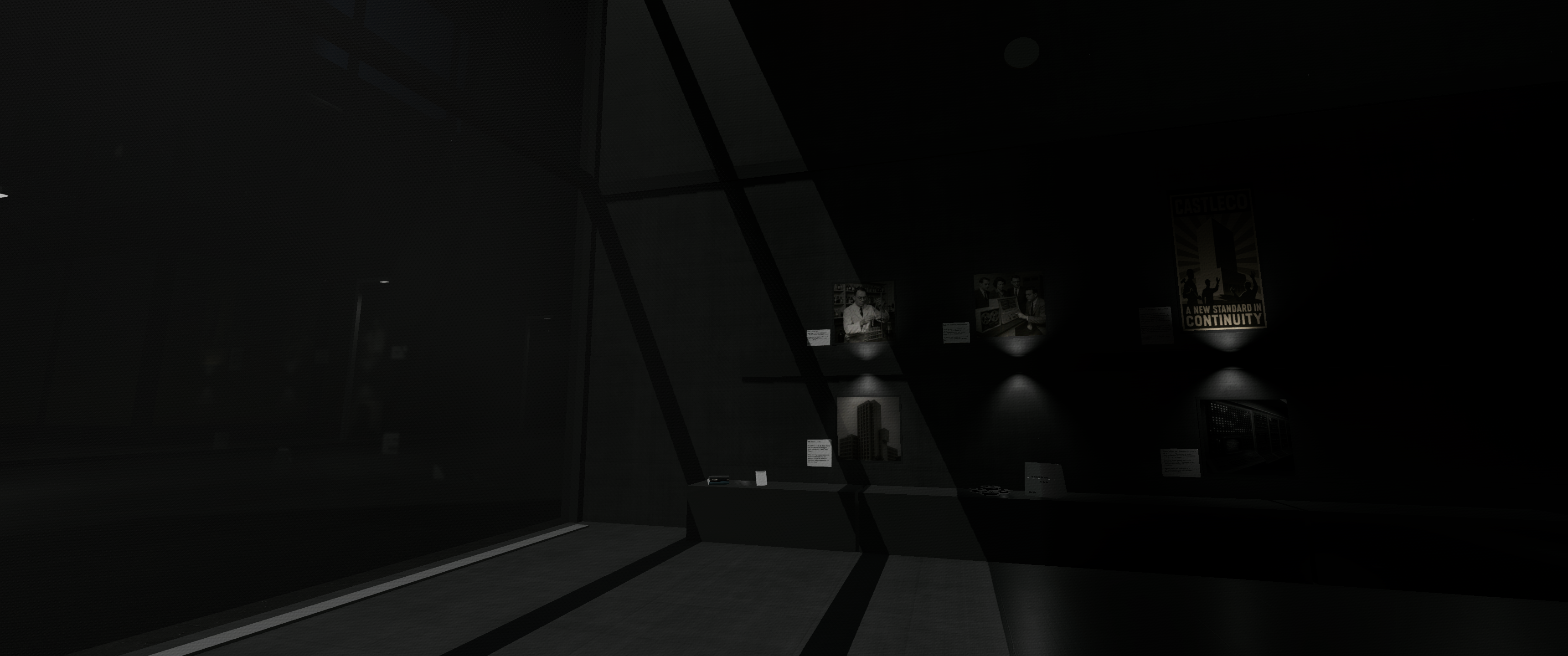
- Canvas pictures with photos taken from my phone and downscaled for size. They use a few normal maps to give that ‘canvas’ look.
- Stock photos – or images generated using ChatGPT with ‘HR’ being the operative keyword to make the world feel even more lifeless and bland.
- Tables, materials, ducts, decals to add depth to empty halls and flat surfaces. One of my favourites was the coffee mug ‘rings’, these are used in great abundance.
- Toilet M/F signs which I used photoshop to move their limbs to create disturbing variations of – a little scope creep, but a creative detail I felt was necessary to sell suspense.
- Security room was finally completed, the backrooms: A, B, C, D, the breakroom saw some love.
- The foyer saw additional guidance in the form of solid decals and 3D TextMeshPro assets on the walls and floor for more obvious player guidance.
- Whiteboards with configurable text were added.
- Machinery was added to the foyer computer lab to sell the analogue-hi-tech aesthetic I’m aiming for. A custom HLSL shader was created for the quads – to change their colour over time.
- Pipes, table variants, boxes and crates were all made in blender and added to give even more variety to the level.
- Additional message variations on Terminals.
Level detailing happened over a few passes; they were a reward for having fixed critical bugs or banging my head against difficult problems. They were a way to unwind and let my mind wander and explore the more creative aspects of game development.
Sound
Additional ambient sounds and SFX have been added to various props and areas to aid with ambience and immersion.
- A timer now triggers verbal warnings when deviating too long from assigned duties.
- New voice lines include:
- 'Work'
- 'Get to work'
- 'Get to work now'
- 'You will be terminated'
- If ignored, HR escalates from verbal reminders to environmental control - blackouts, lighting flickers, and more.
- Elevator sounds
- Security chime
- Task complete 'chime' as some playtesters found it difficult knowing when they had successfully completed a task.
- Additional HR 'haunt' audio, whispers, heavy breathing which are played as an unnerving warning for players to 'obey'.
- Footsteps now play as the player moves, with different sounds being played for different surfaces.
During QA sessions I noticed some sounds weren't ever being released from the AudioPool, preventing other sounds from playing once the pool was full. After a few aggravating hours of research, trial and error I eventually altered the system so that sound emitters are culled based on player proximity, and are reliably returned to the pool once their audio has finished playing. Additional info on audio can be found in a dedicated blog post: here
Main Menu Credits
At this point of development, I had several Jira tickets on the backlog to-do, and this seemed like the lowest-hanging fruit at the time. I messed around with some of the more traditional UX approaches for displaying credits, but felt it didn’t quite fit the diegetic aesthetic I was aiming for.
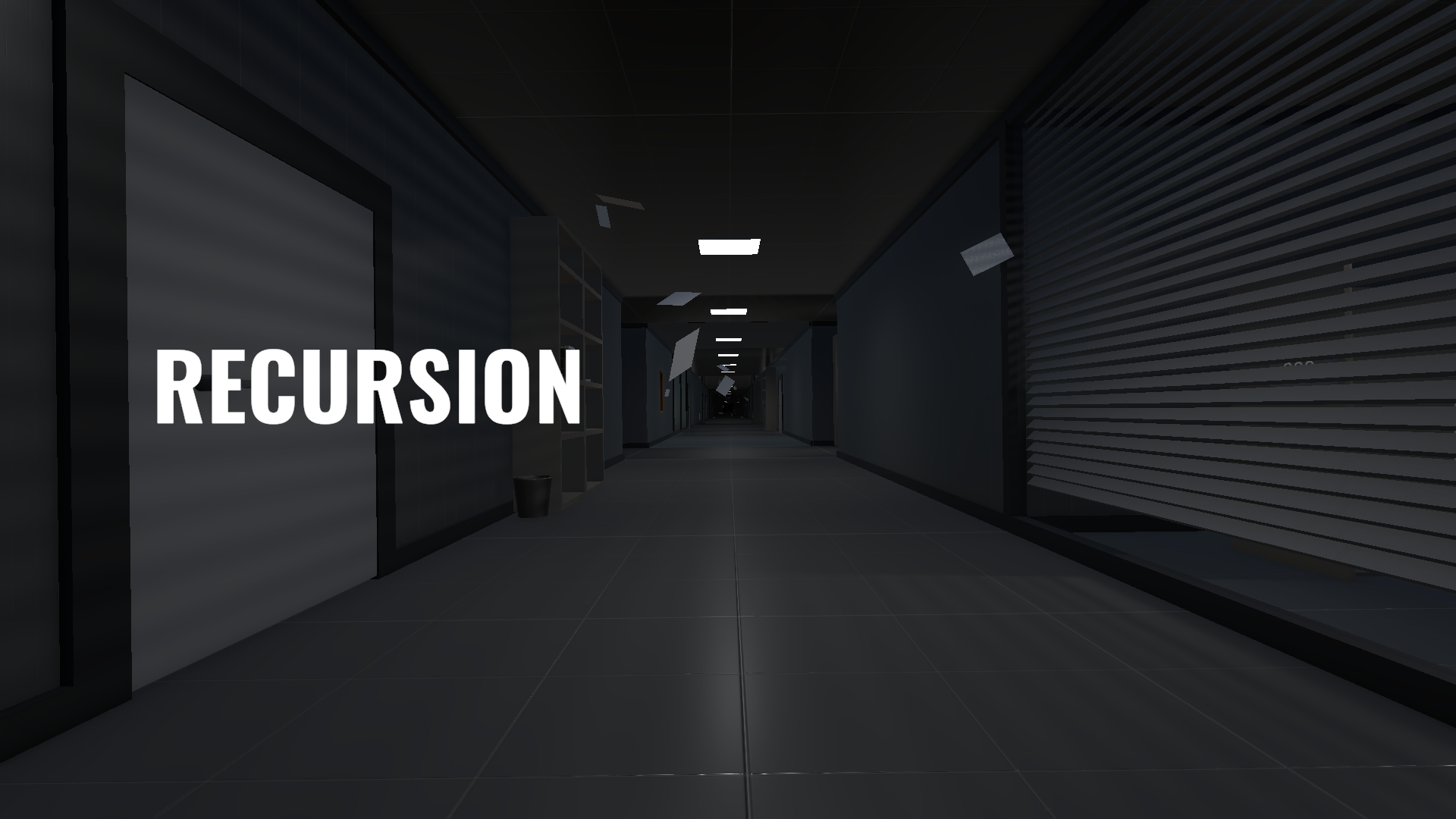
Furthermore, due to the floating pieces of paper in the MainMenu corridor, I noticed they collided with the camera occasionally – which gave a very nice effect. I created some prefabs with a TextMesh component on them and gave them rigidbodies and collisions, and random initial movement and angular force.
Security Cameras
Security cameras now look at the player whenever they are in range. Up until now they have been static. I put this off until now - as they really were a wishlisted item.
Cinematic Debug Tools
When filming for the demo trailer, I lacked the ability to smoothly pan around the level. I did a hacky approach and made a ‘debug’ bool in my GameManager class, which my PlayerController class uses to check. When certain keys are pressed, a few things can happen:
• Flight mode – where the player no longer uses gravity, and has a smooth flying force applied instead of the usual movement keys. I no longer zero the Transform.forward’s Y axis, allowing for free flight.
• No collision – the player’s collision is disabled, granting quick access to different floors and rooms – and different perspectives otherwise denied due to collisions.
• Light controls: keys force flicker effects, blackouts, strobes – as well as incrementing or decrementing the WorldIterationManager.
Below you can see it in action – it was quite fun flying around the space, it gives some ideas for mechanics further down the line.
Changes
Main Menu
Up until this point the Main Menu walls and floors still used the old ‘programmer art’ textures, these were updated to the plaster and carpet seen all around the facility. Additional props were added and the layout adjusted slightly to be less distracting. Doors no longer open/close, the sounds they made was too frequent and a little annoying. I figured less is more and made those changes.
Reflection
With time running short, there was no room for scope creep - every feature added to this sprint was necessary and deliberate. This final pass has been immensely satisfying, bringing the project into a polished, playable state.
To everyone who has followed Recursion's journey so far - thank you. This may be the end of its academic chapter, but it might not be the last you hear of it.
Watch this space.
Leave a comment
Log in with itch.io to leave a comment.