Recursion
Recursion - dev log #3
Dev Log #3: 14/07/25 → 03/08/2025
We're at the end of the third sprint now, a lot has happened both toward the game and in life. I had a music performance in July which required a lot of focus and time for practice, it was good to finally have it finished. Between that and other issues, I haven't had much time to smell the roses - it's starting to feel a lot like Groundhog Day. Anyway, here's everything that got done:
Added/Updated:
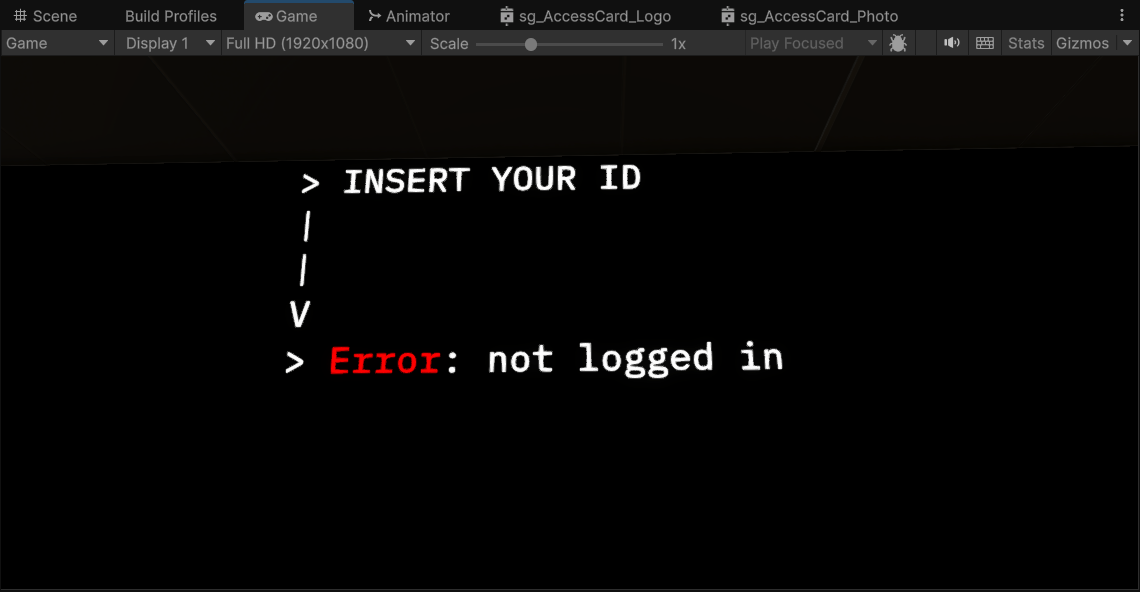
Responsive Cursor
After removing the crosshair completely in the previous sprint, playtesters noted that it made aiming at smaller interactables too difficult. As a compromise, it now only displays when the player is near something they can interact with. This keeps the UI minimal while improving usability.
Keypads
This was a bit of scope creep (woops), but they'll be useful for door systems and shortcuts in future loops. At the moment they're more of a tech prototype. Depth of Field makes them slightly hard to see in some cases, so improving clarity will be a focus next sprint. Jira tickets are already queued up.
Console Colours (Refactor)
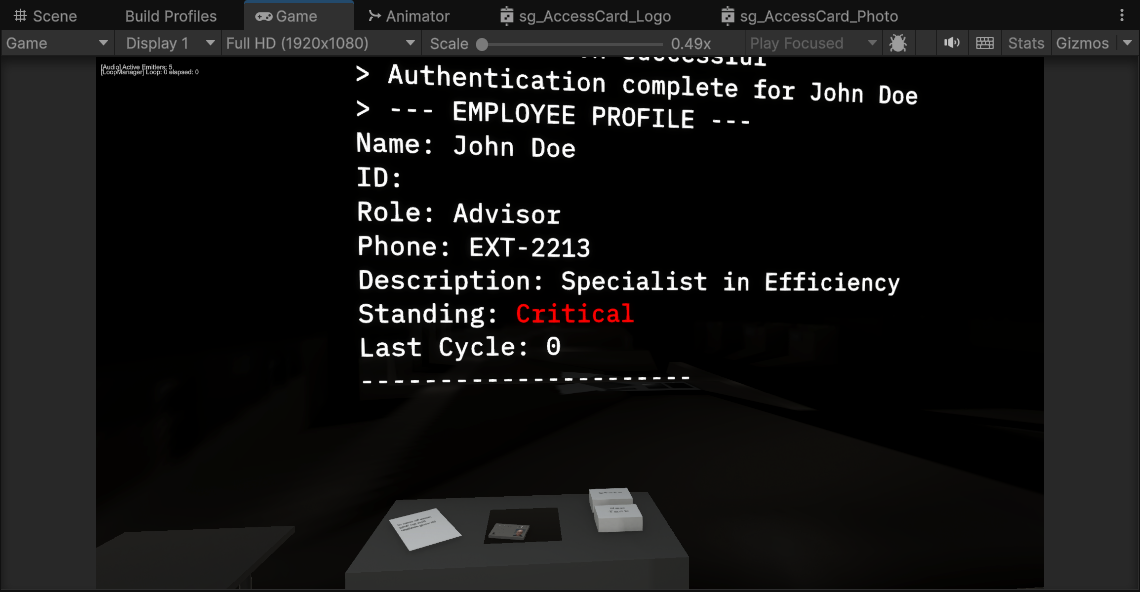
The main HR console previously looked bland and made it hard to parse important information. I implemented a pattern-matching system using regex that detects markup tags inside console text and parses them on the fly as the Terminal 'prints' lines to the screen. Colour coding now draws the player's eye to critical data and warnings.
Employee Stats
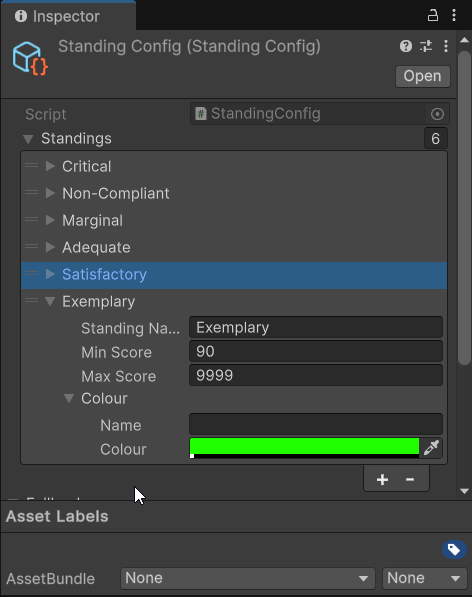
Access cards now carry employee-specific stats that can be viewed at the worker terminal station. If an ID card is on the authentication spot, you can press the 'Employee Stats' button to view information about that specific employee - including the player's own file.
Employee Standing is stored in a scriptable object with configurable score ranges, titles, and colour coding. The HR terminal now displays this standing information in colour to make it immediately clear where you sit within the corporate hierarchy.
Materials & Textures
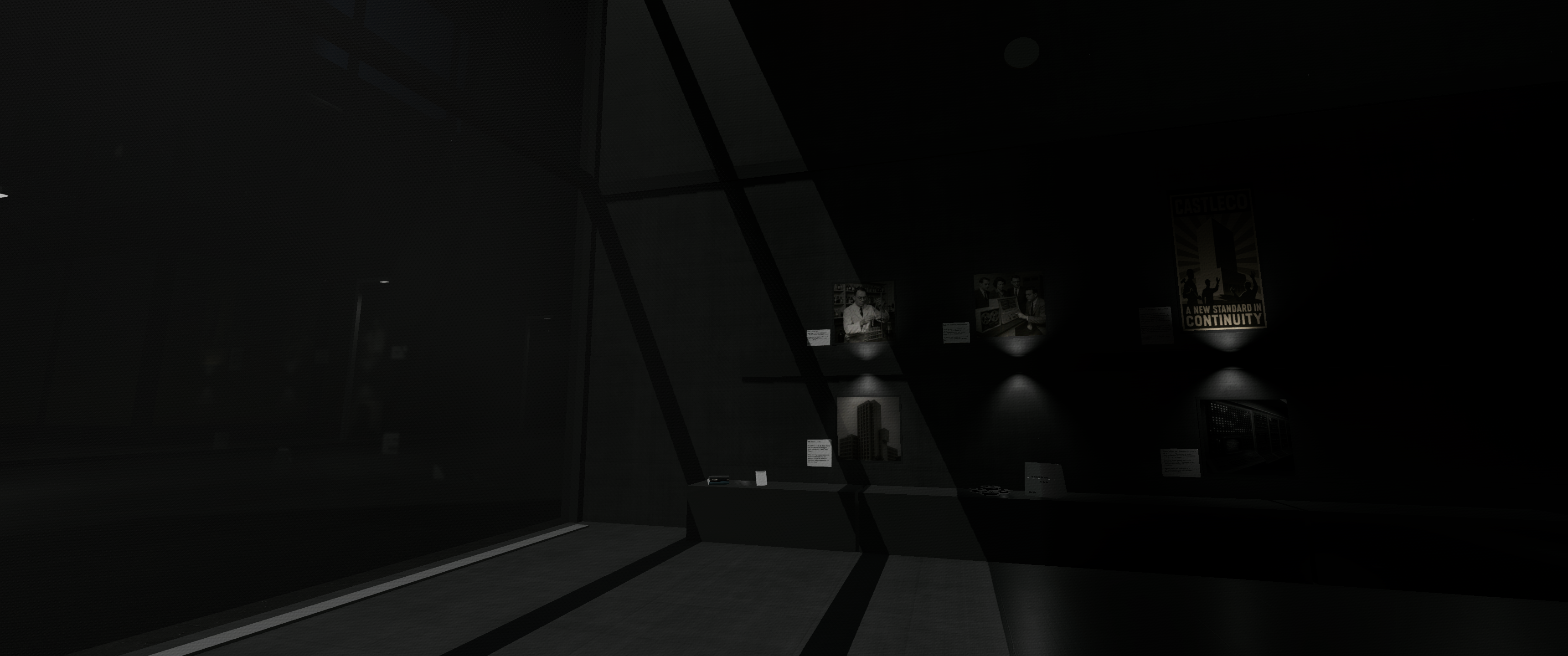
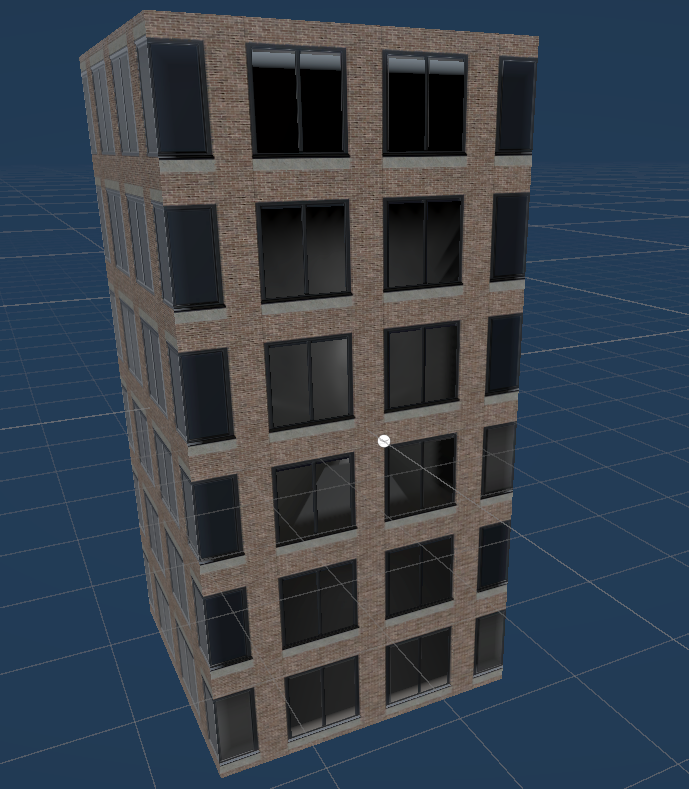
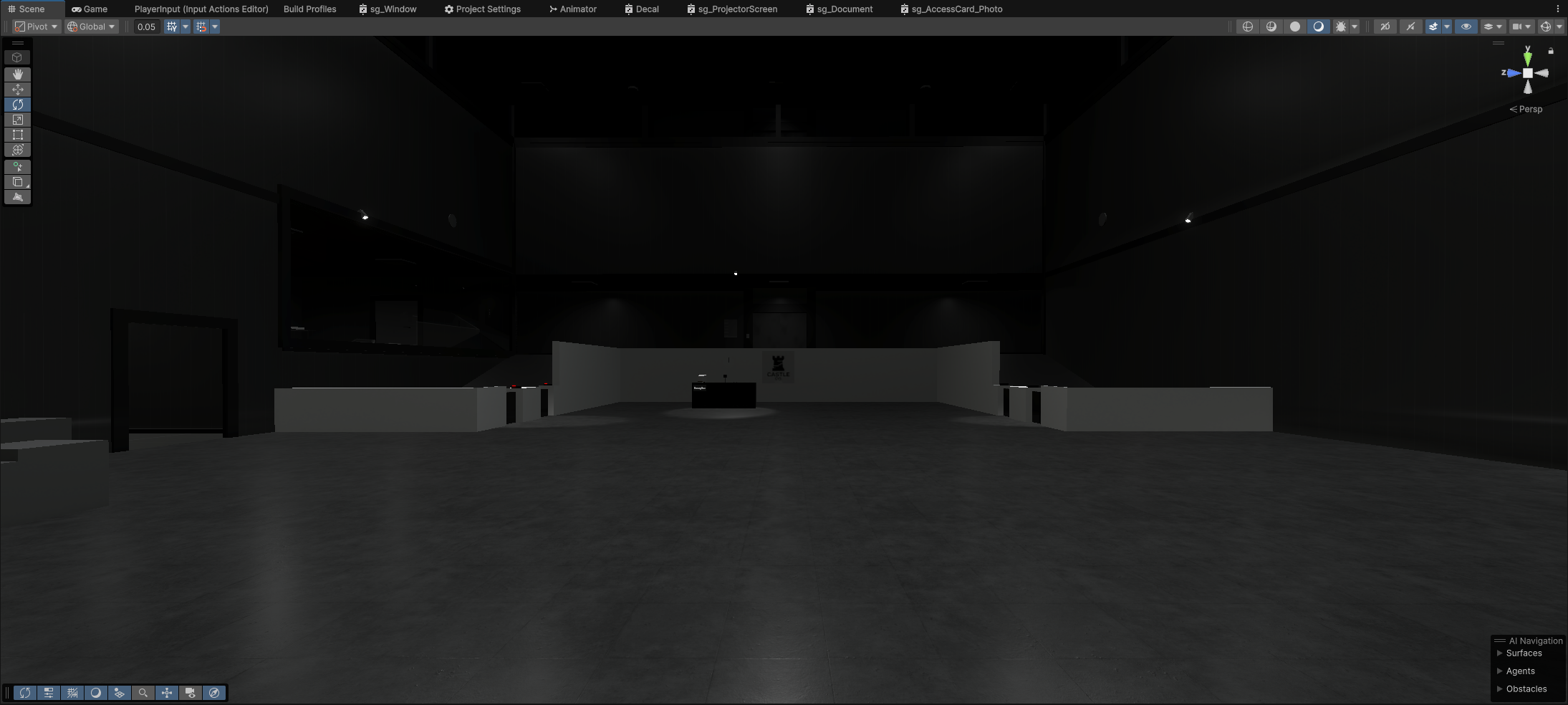
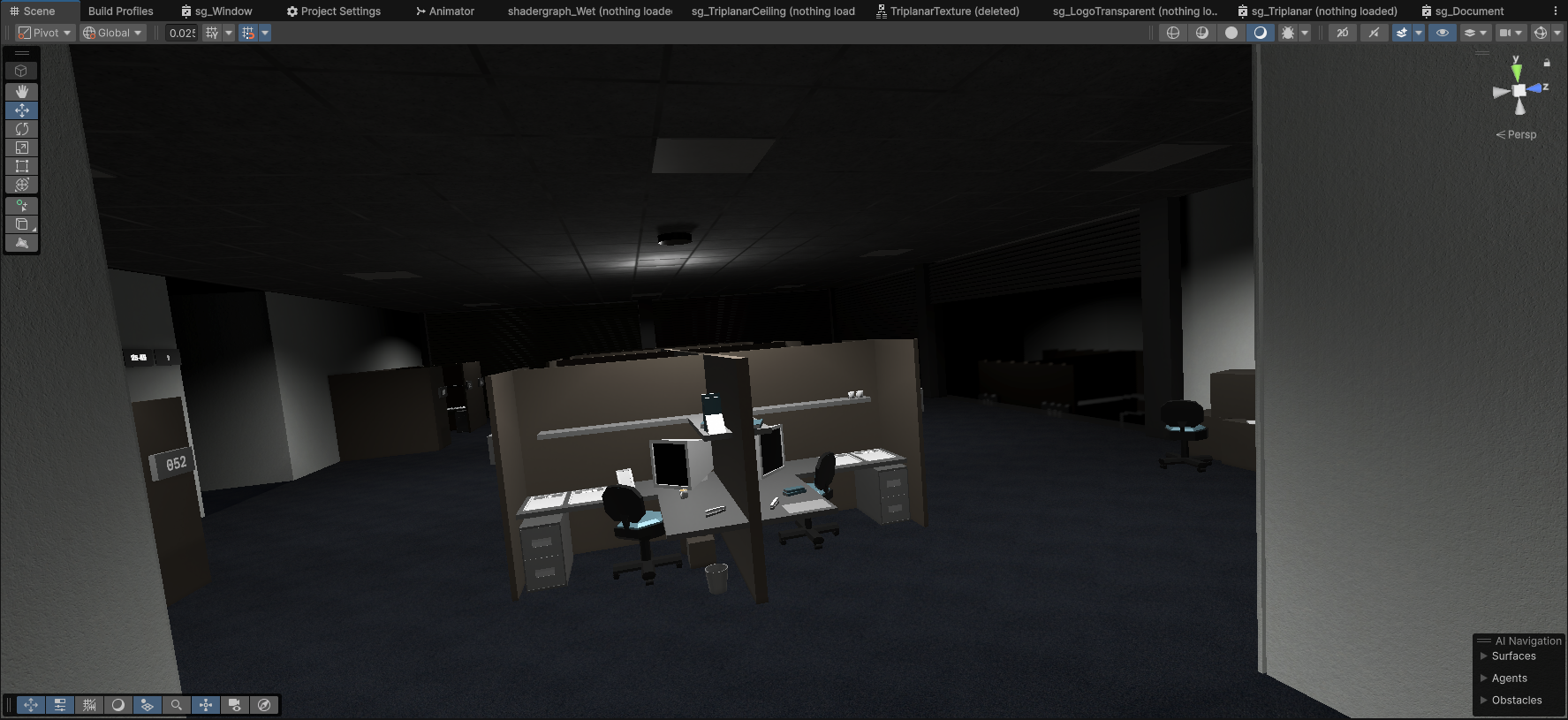
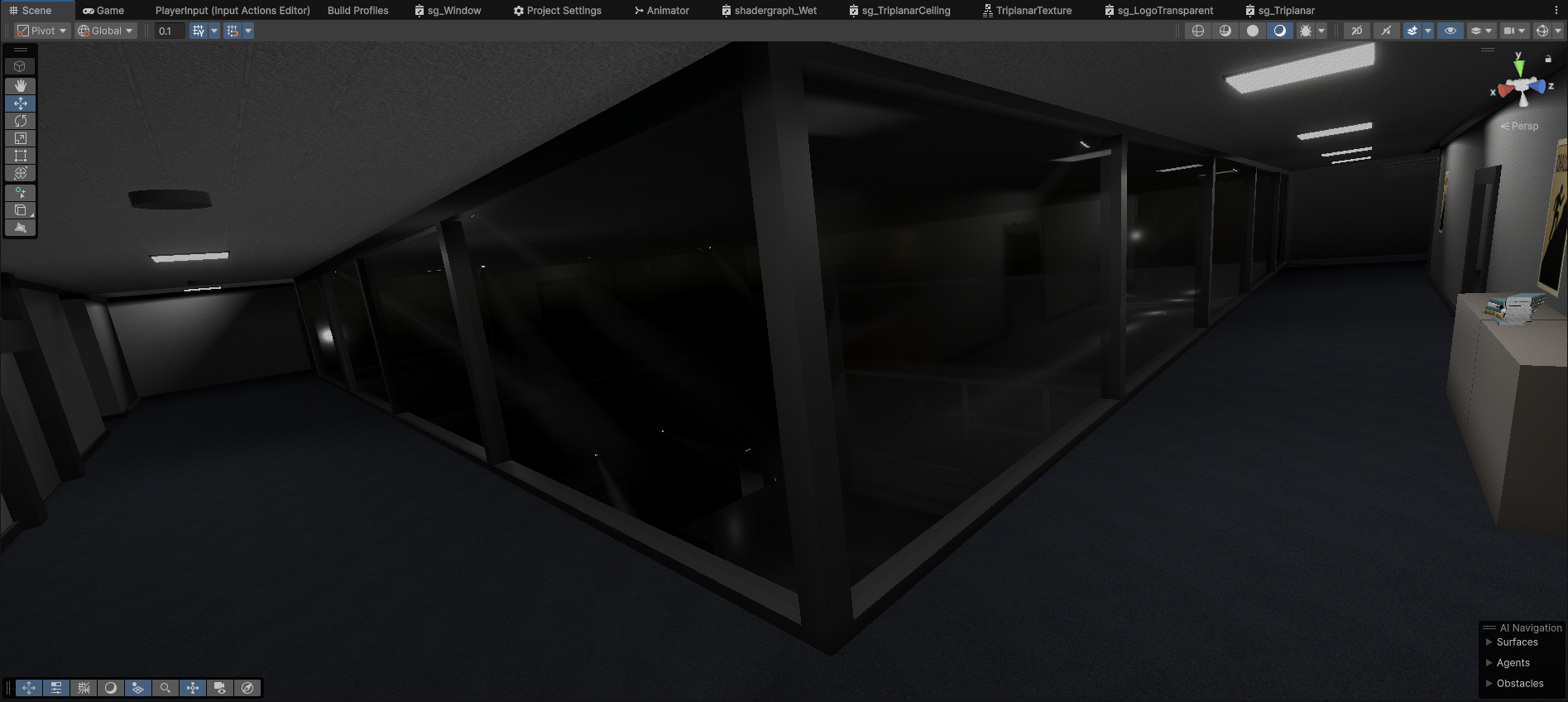
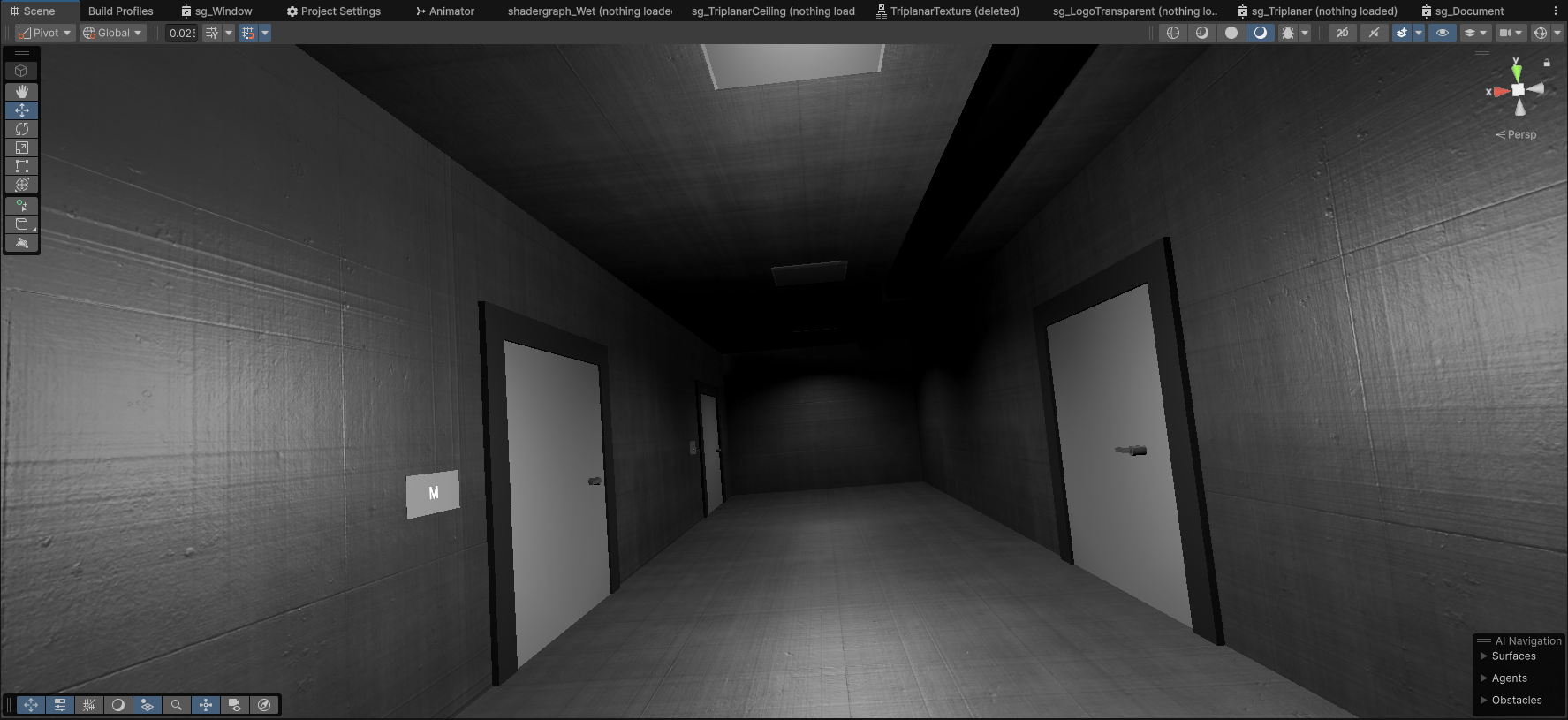
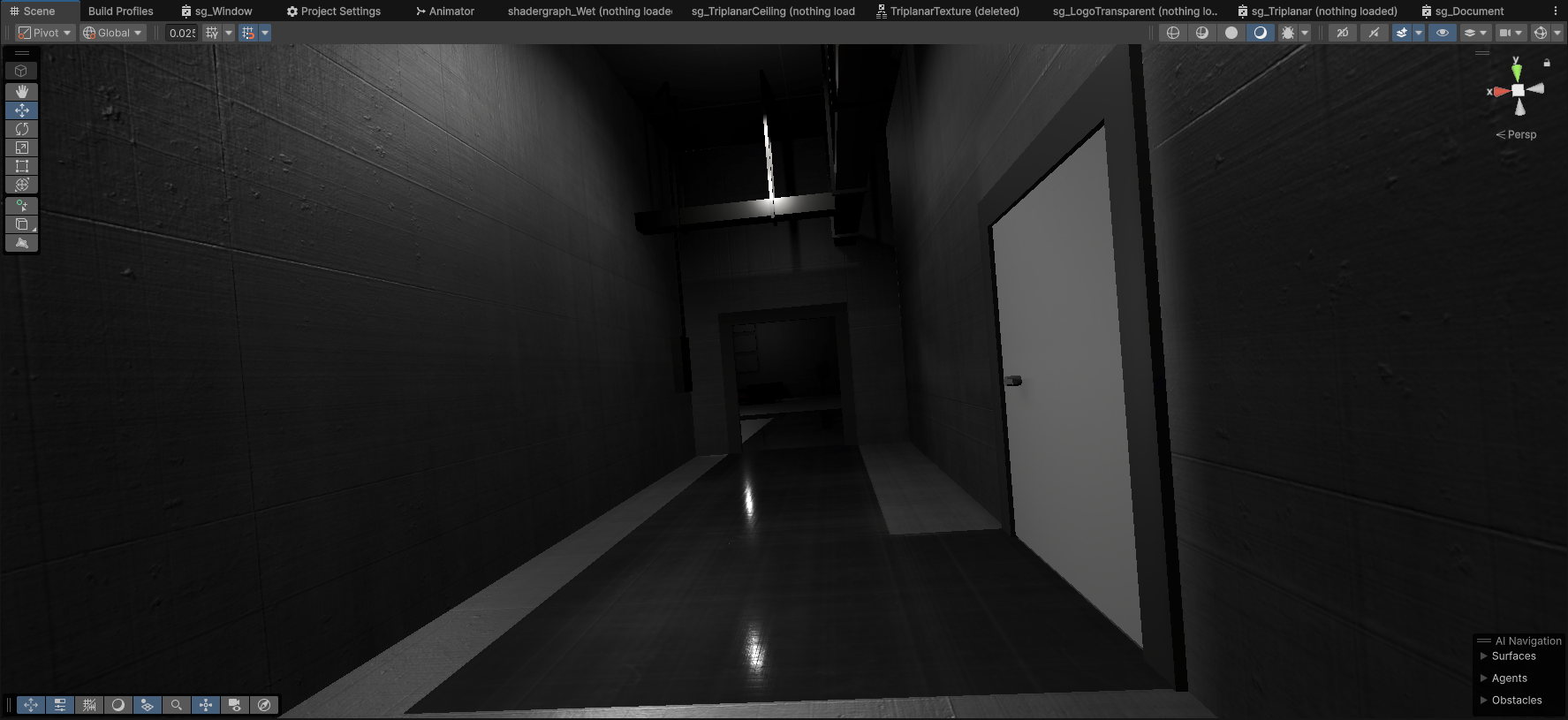
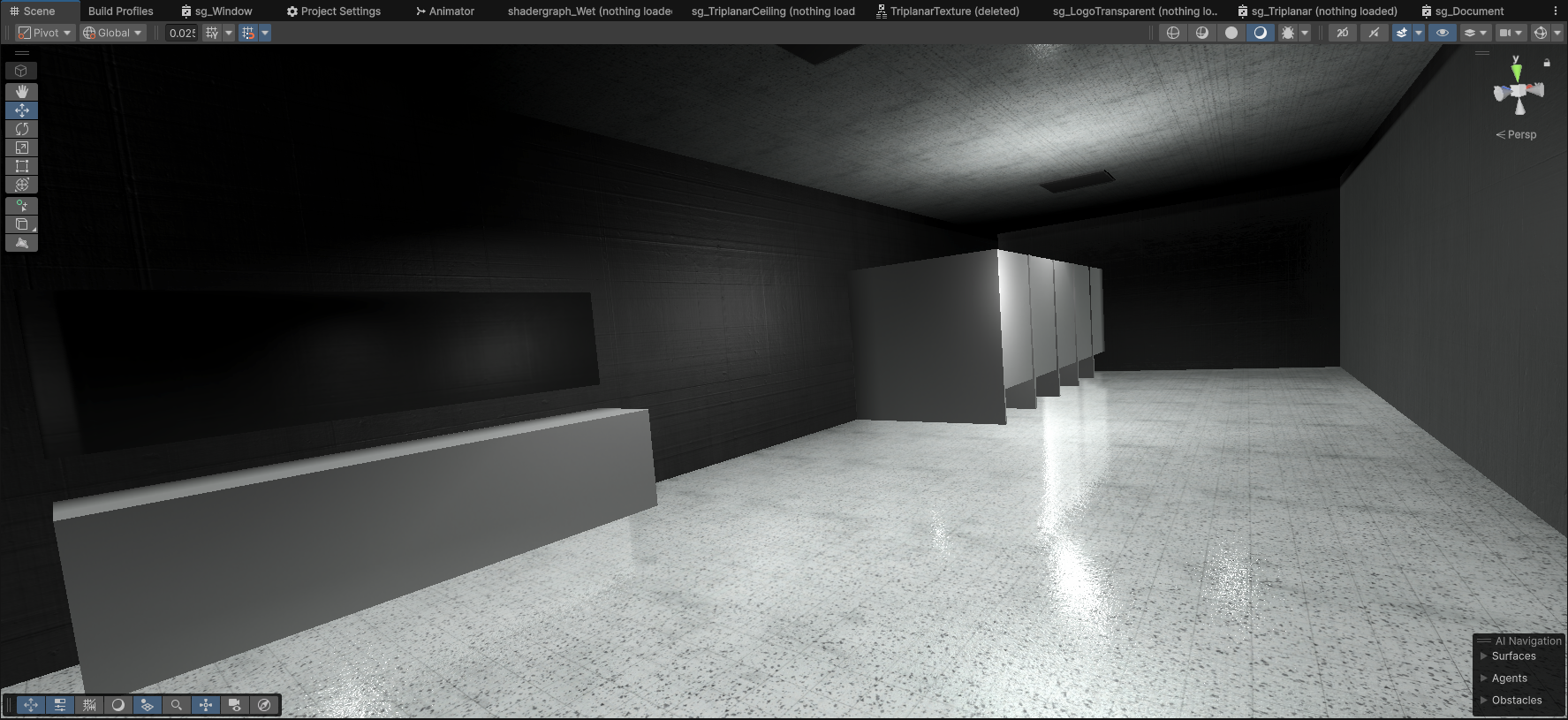
After burning through a lot of mental energy with the performance and early sprint work, I took some time to slow down and focus on world-building through materials. I discovered AmbientCG's CC0 texture library and used it to refine both the interior and exterior spaces with the brutalist, sterile theme of the project. The added surface detail immediately gave the world more weight and believability.
Lighting, Volumetric Lighting & Particle Effects
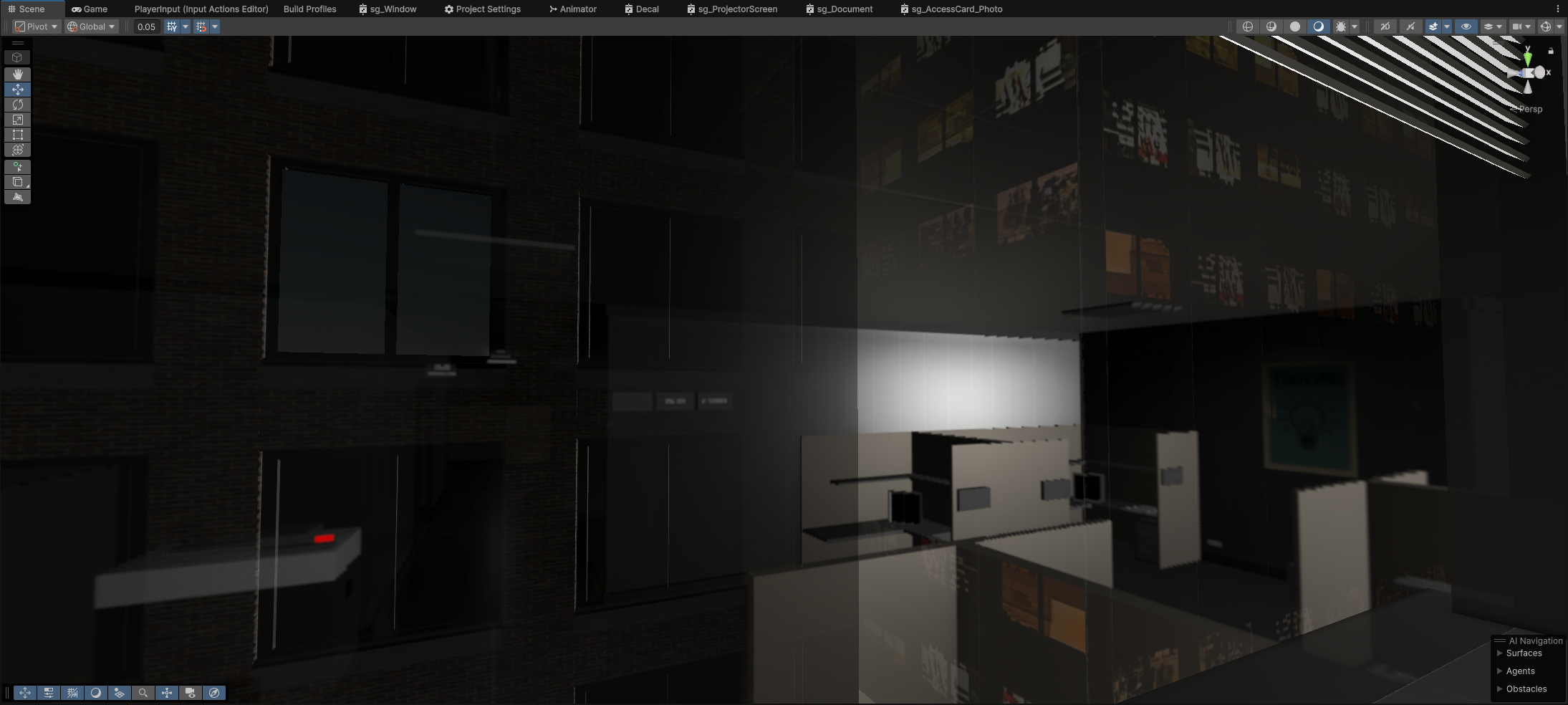
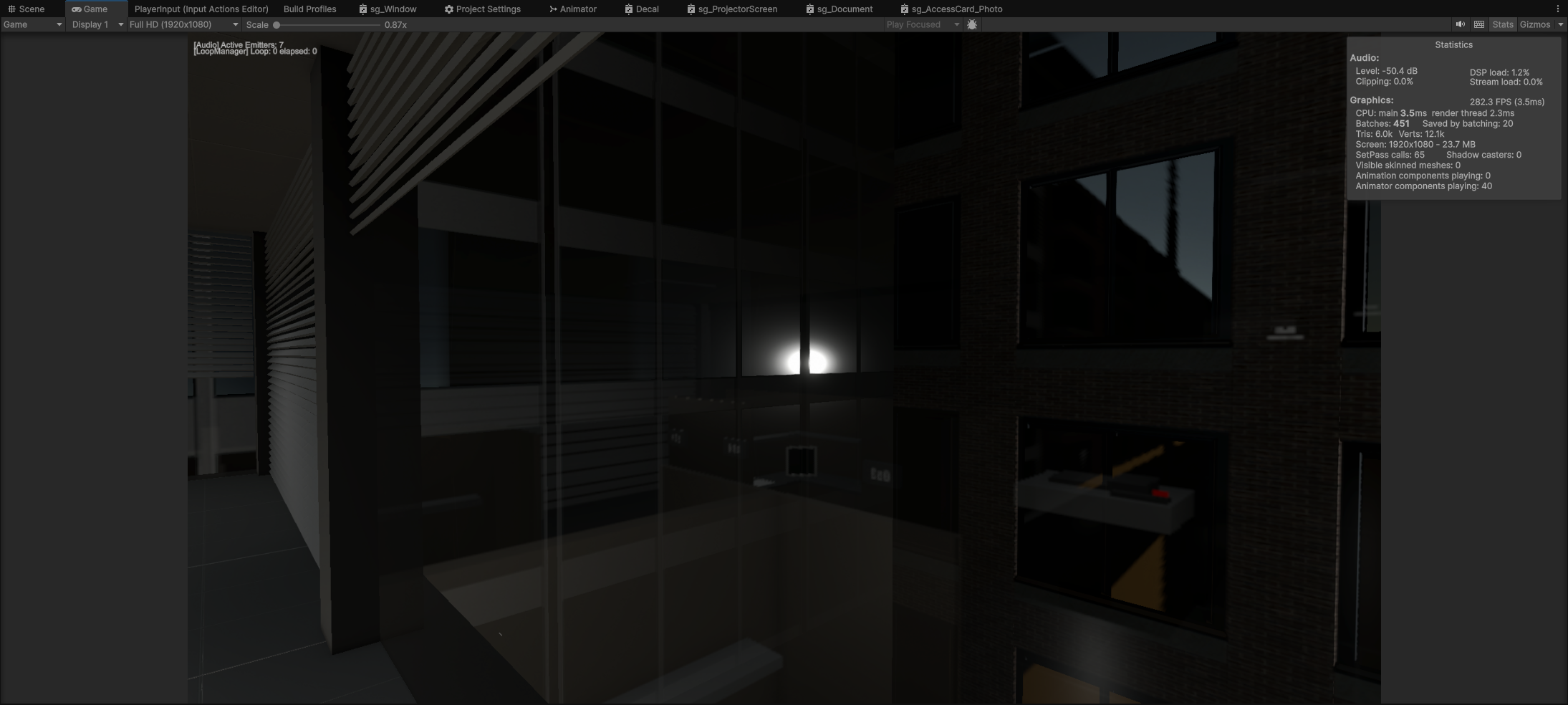
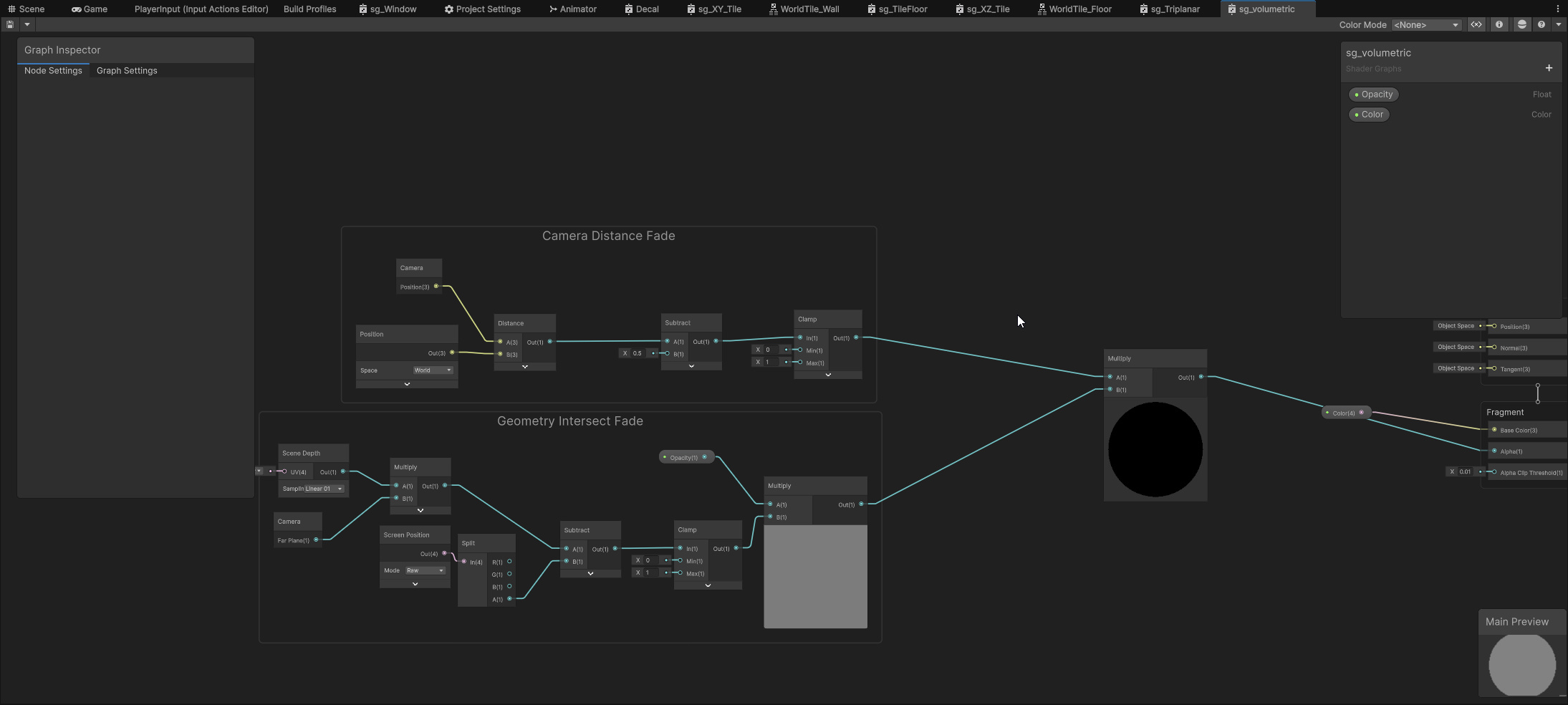
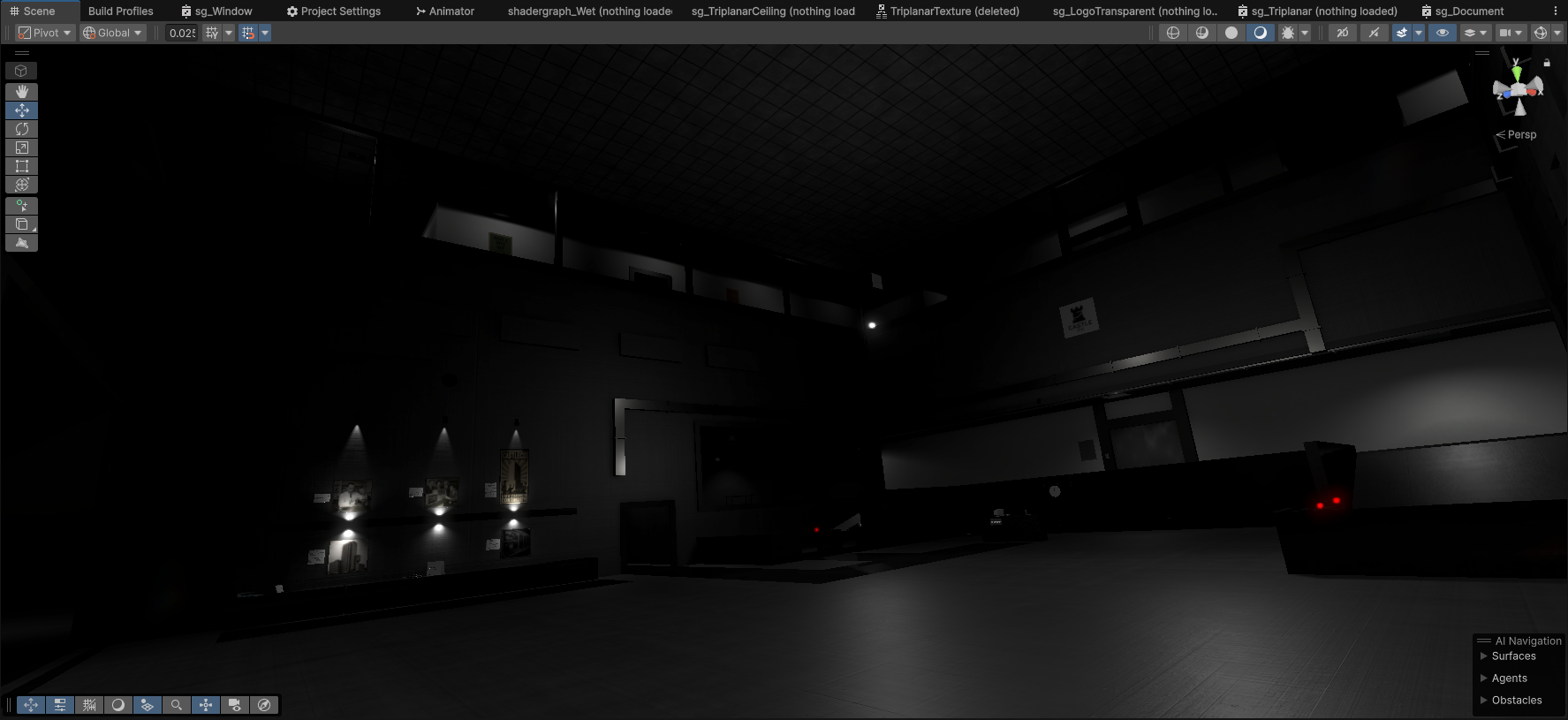
With more energy later in the sprint, I moved into lighting and effects. My first attempt was a full-screen HLSL volumetric shader tied to a directional light, but managing an interior-heavy scene with exterior bleed was too much of a fight. I pivoted to localised volumetric shaders using Shader Graph, attached to planes and cones for controlled atmospheric beams.
I also introduced subtle particle systems (floating dust, air motes) to add life to otherwise static areas.
Shadergraph: Volumetric Effect
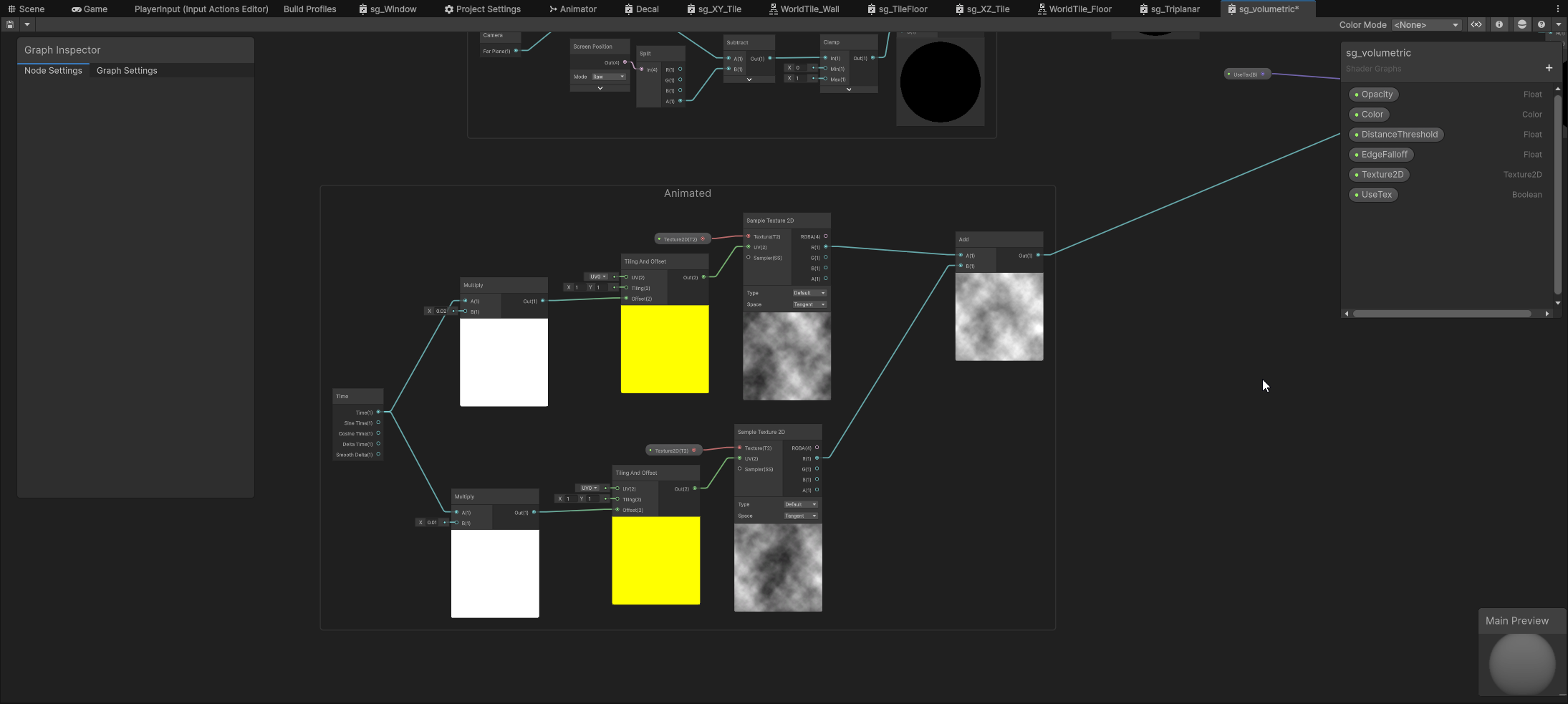
Performance was starting to dip at this point, which is where my decision to begin non-visible lights began. It came with a few caveats, like making sure lights inside the active room remained, whilst those in adjacent rooms turned off - so as not to hinder the lighting aesthetic of the room the player is in.
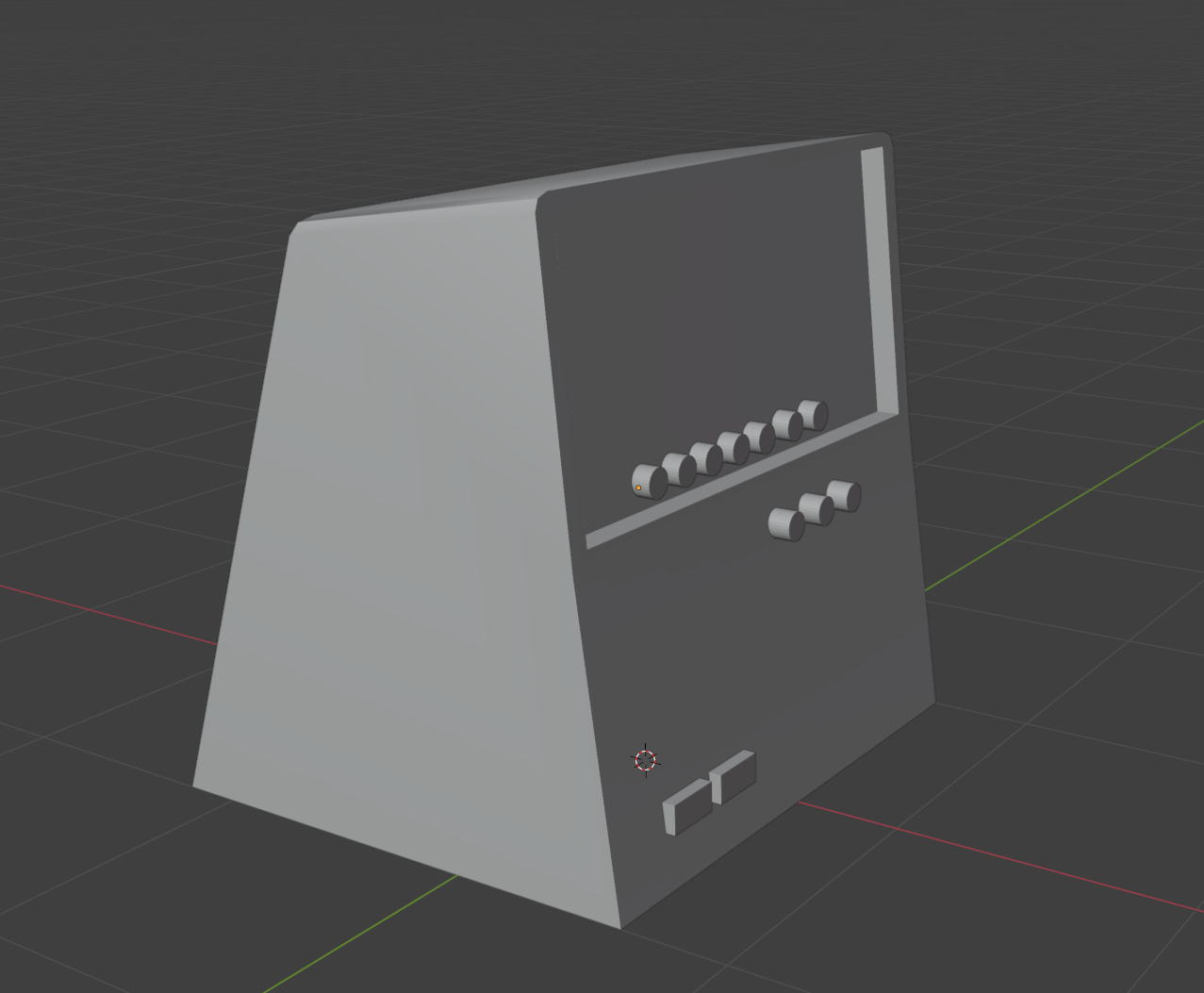
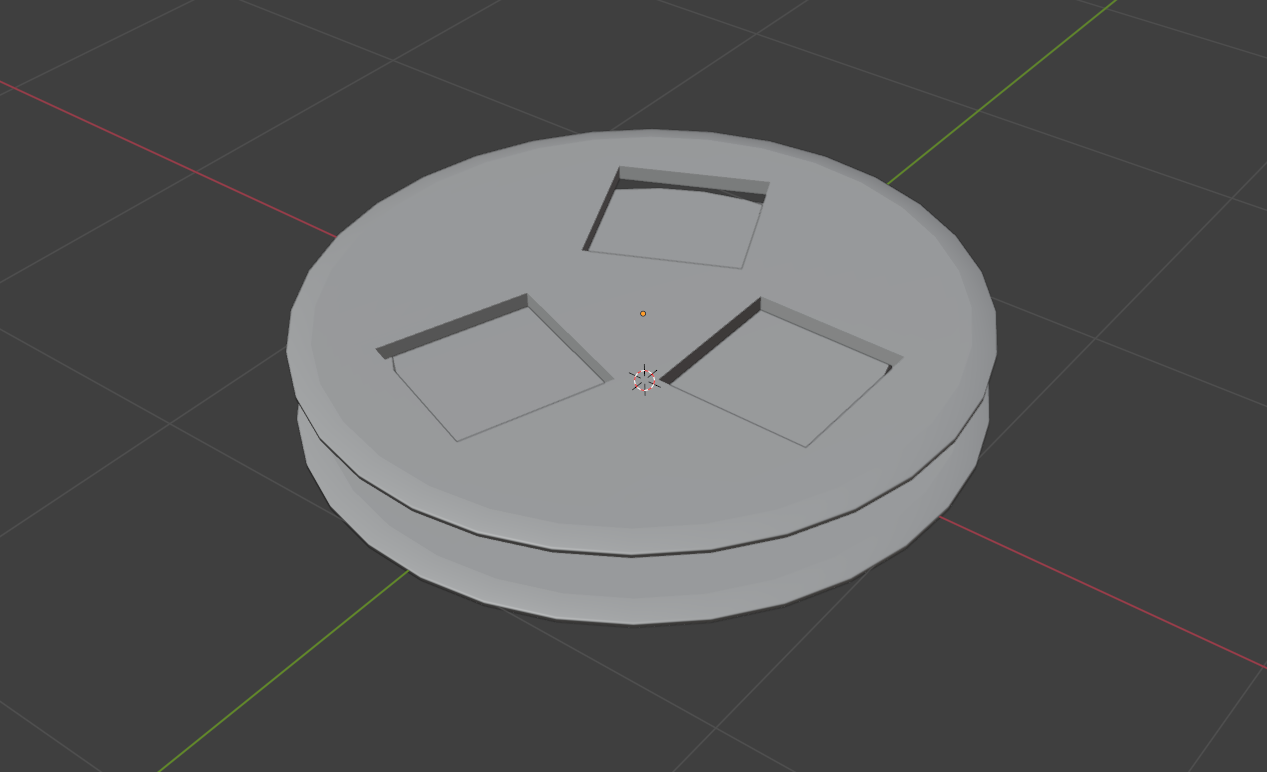
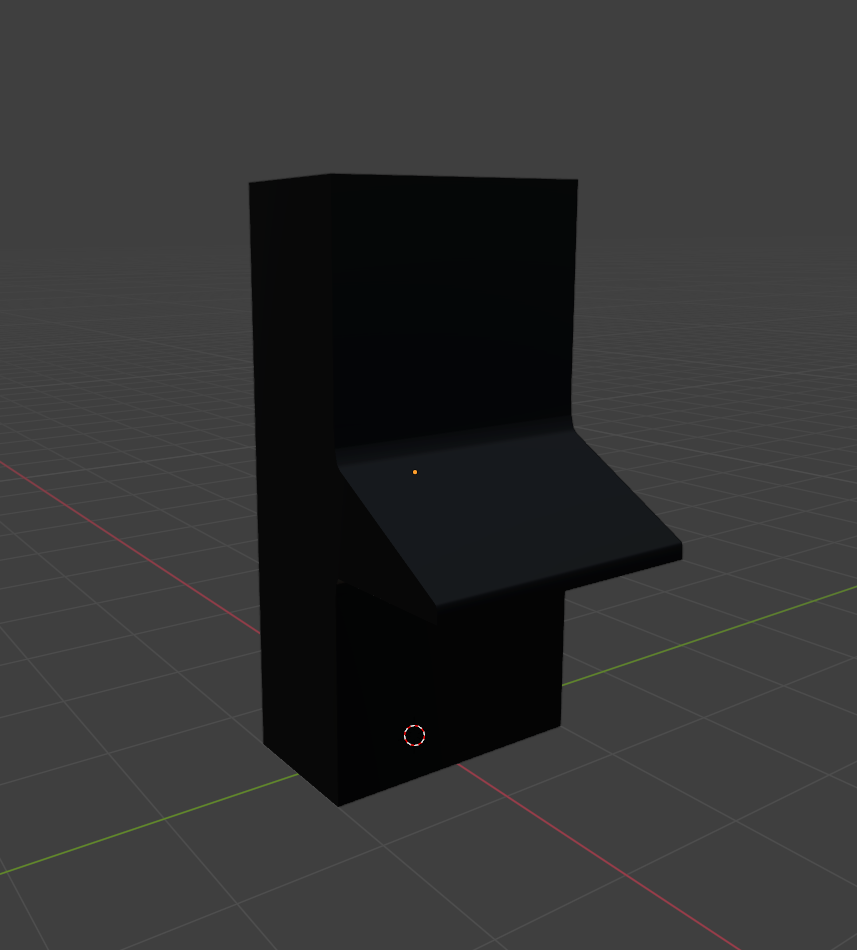
Modelling Work
Expanded the asset library to make the world feel more lived-in, more lore-centric items, 'the continuance' machine prototype, which will be used as a key puzzle piece.
World-building
This sprint gave me time to expand the world and make it feel more cohesive and lived-in. Subtle environmental storytelling, material choices, and layout tweaks all help sell the atmosphere. Worldbuilding is one of my favorite aspects of game development - the part where everything starts connecting and the spaces feel like they belong to a larger narrative. I leaned into small details: adding exterior facades, refining interior textures, and layering in hints about the facility's purpose. These touches are what makes the game feel alive and give weight to the looping structure.
Tool Development
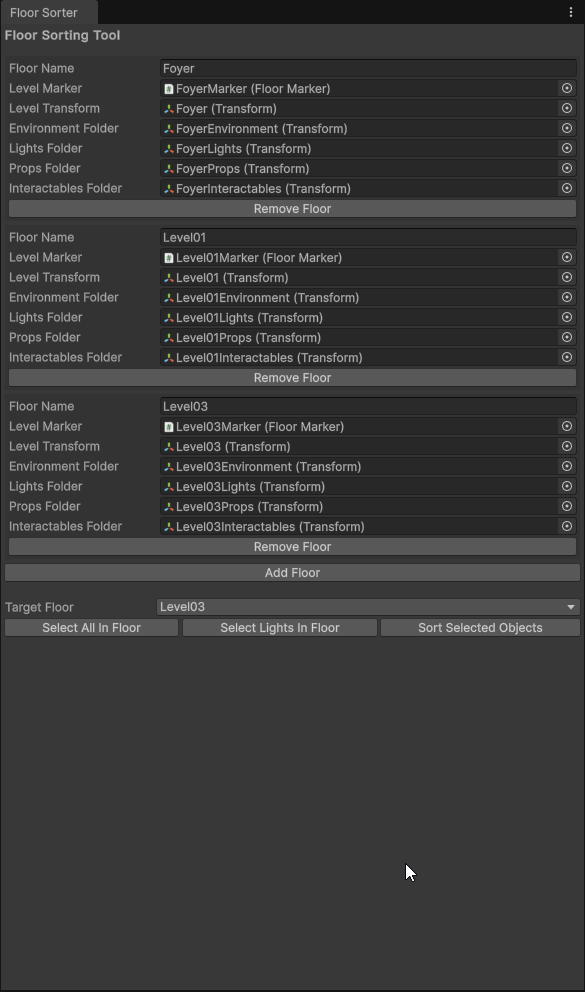
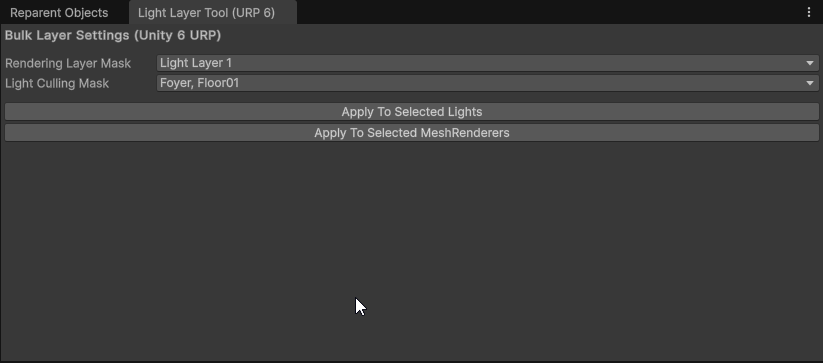
Performance was starting to dip as the level grew, especially with multiple floors bleeding light into one another. I wrote an internal floor-sorting tool that automatically organises objects (lights, props, interactables) into their corresponding floor folders.
This let me split each floor onto its own light layer, isolating shadows and reflections per level and drastically reducing overdraw. As a bonus, it made the hierarchy far cleaner and bulk edits much easier.
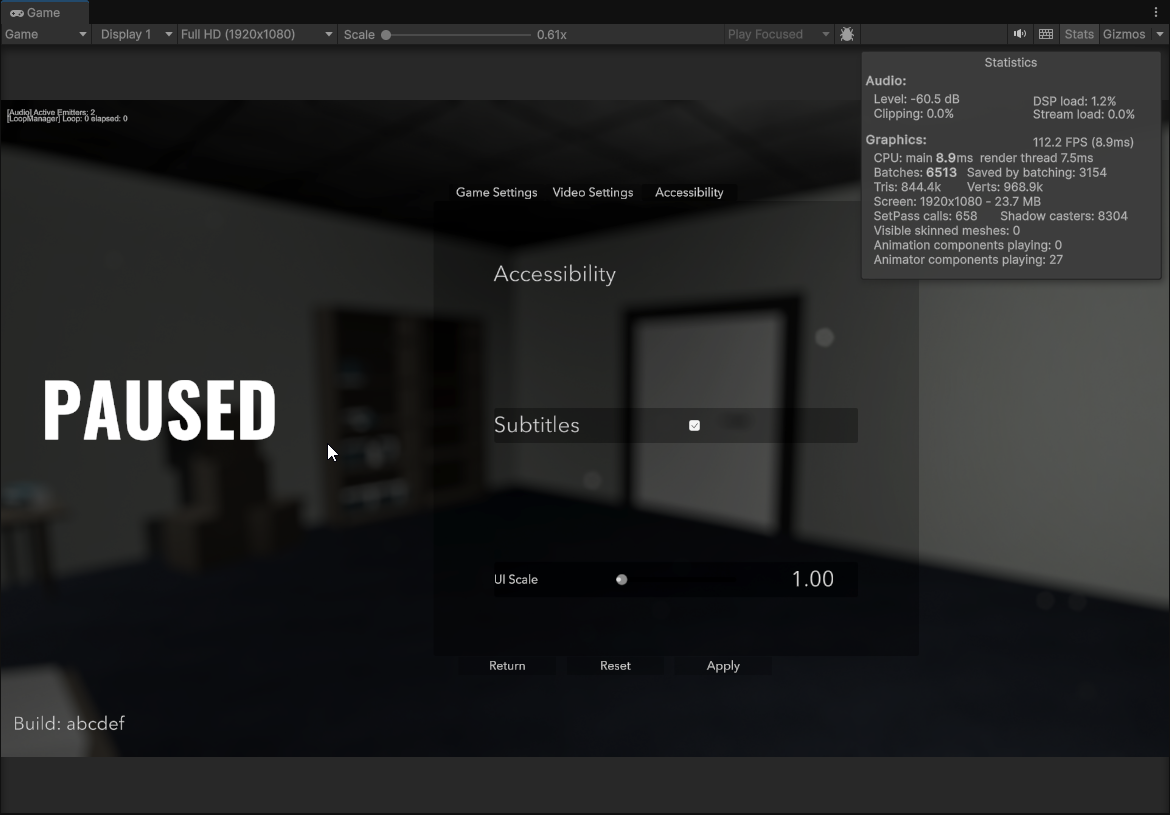
Settings Menu
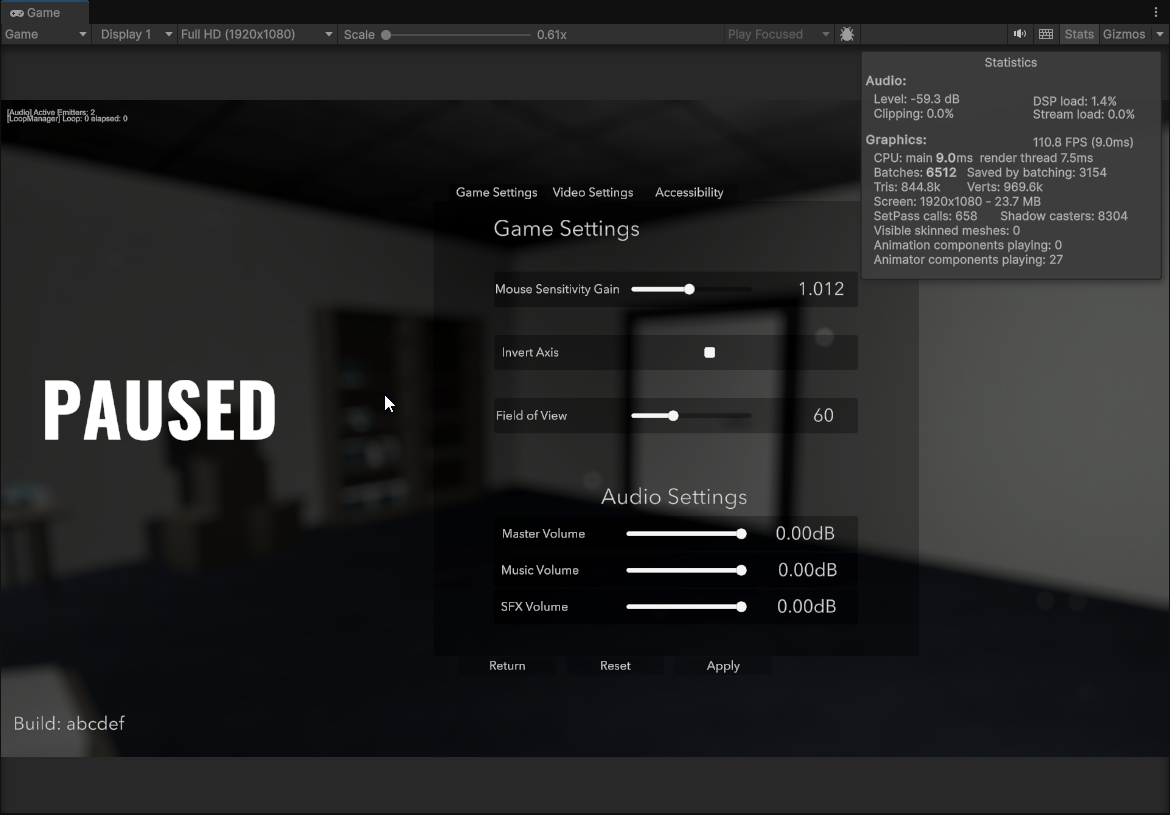
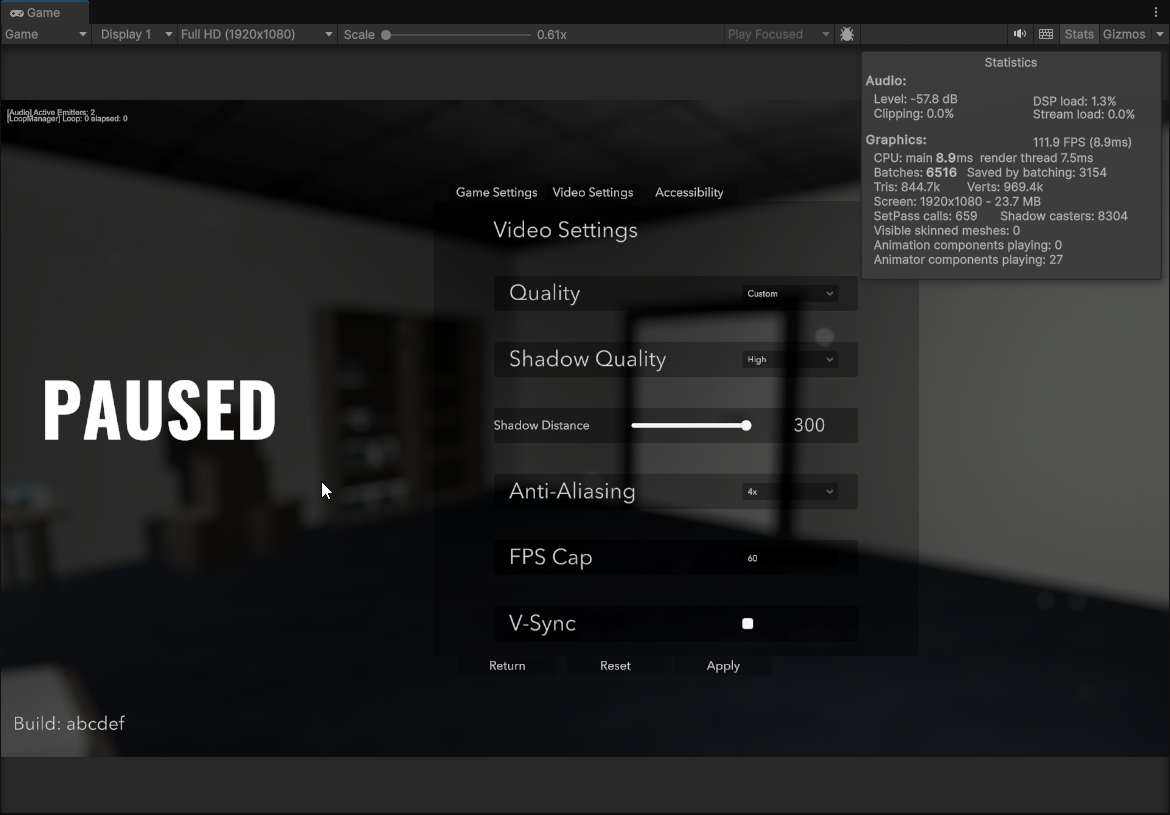
Implemented the first pass of the settings menu. Player's can now adjust mouse sensitivity, master/music/SFX volume, and toggle subtitles. Video settings are stubbed in and will expand next sprint to include quality presets and more accessibility options.
Reflection
This sprint was a mix of polish, technical groundwork, and small quality-of-life improvements. I pushed interaction clarity and environmental cues forward while also laying the foundation for performance scaling as the level grows.
Some scope creep slipped in (keypads being the main offender), but the new systems and optimizations will pay off in later sprints. The balance between coding and art tasks helped me keep momentum even when personal energy dipped - a reminder that pacing and task variety are key in solo dev.
Until next time
Leave a comment
Log in with itch.io to leave a comment.